
CodeSwordsman CodeNote
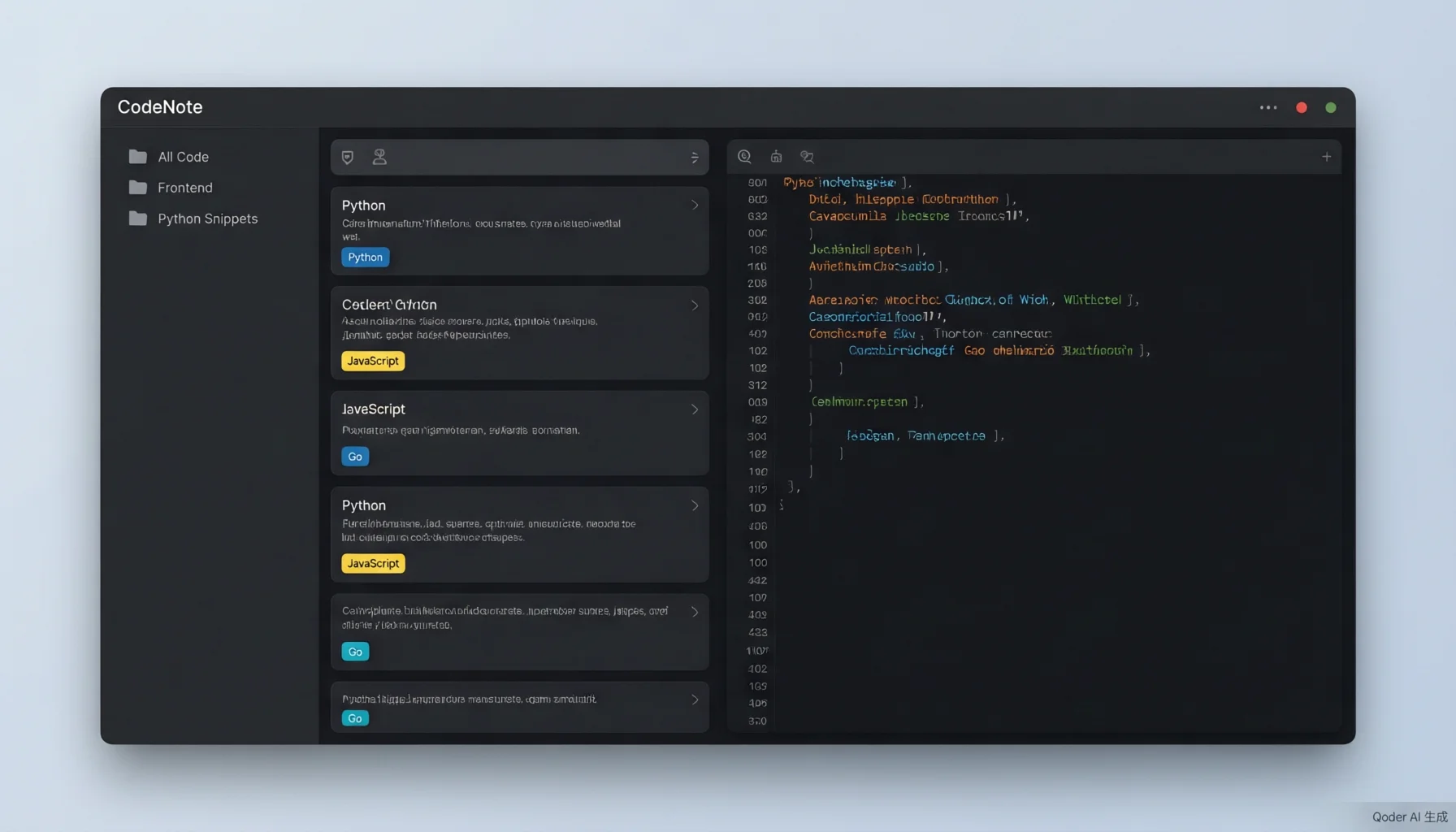
A professional code snippet management desktop application supporting 16 language syntax highlights, trash bin safety net, snippet pinning, multi-format export, and multi-device sync. VS Code-style dark UI, 100% free with no ads.

100% Free · No Ads
Open source under LGPL v3, all features completely free
Completely Free
Open source under LGPL v3, all features free to use
Lightweight & Fast
Built on SQLite local storage, instant startup, minimal resource usage
Data Safety
Trash bin + multiple backup + cloud sync, code never lost
Core Features
16 Language Syntax Highlight
Supports Python, JS/TS, HTML/CSS, SQL, Go, Rust, Java, Kotlin, C/C++/C#, Swift, Markdown and more
Trash Bin Safety Net
Deleted snippets go to trash first — restore, permanently delete, or clear all with ease
Multi-device Cloud Sync
Aliyun Drive API, WebDAV, and local folder sync — seamlessly connect multiple devices
18 Customizable Shortcuts
New, save, delete, format, line operations — all adjustable to your personal habits
Snippet Pinning
Pin important code snippets to top with a dedicated 'Pinned' virtual category
Multi-format Export
Export any snippet as Markdown / TXT / PDF for sharing and archiving
Three-panel Efficient Layout
Left categories + middle list + right editor, manage everything in one screen
Bilingual Interface
One-click switch between Chinese and English; system category names follow language
More Free Software

CodeSwordsman Image Converter
CodeSwordsman Image Converter is a Microsoft Store official, completely free, offline usable, ad-free one-click multi-platform standard icon generation tool, supporting iOS, Android, Windows, macOS and other platform icon standard size generation, while supporting multiple image format conversion, batch processing and intelligent configuration, improving development efficiency.

CodeSwordsman File Renamer
Free offline batch file renaming software. Batch rename thousands of files with one click. Supports wildcard replacement, sequence numbering, extension modification, drag-and-drop import, and operation undo. No ads, no bundled software. Designed for file organization and office archiving.

CodeSwordsman Web Checker
An all-in-one network and host monitoring tool for dev, QA, ops and tech-ops teams. Check IPs, ports, and URLs, and monitor CPU, memory, disk, network, and services 24/7, with one-click import and export of monitor configurations for easy backup and team reuse. 100% free with no ads, plus SSL certificate validation, multi-channel alerts, and desensitized result sharing. Only scan IPs and domains you are authorized to test; unauthorized scanning is prohibited and the user bears all liability.