
CodeSwordsman File Renamer
Free offline batch file renaming software. Batch rename thousands of files with one click. Supports wildcard replacement, sequence numbering, extension modification, drag-and-drop import, and operation undo. No ads, no bundled software. Designed for file organization and office archiving.
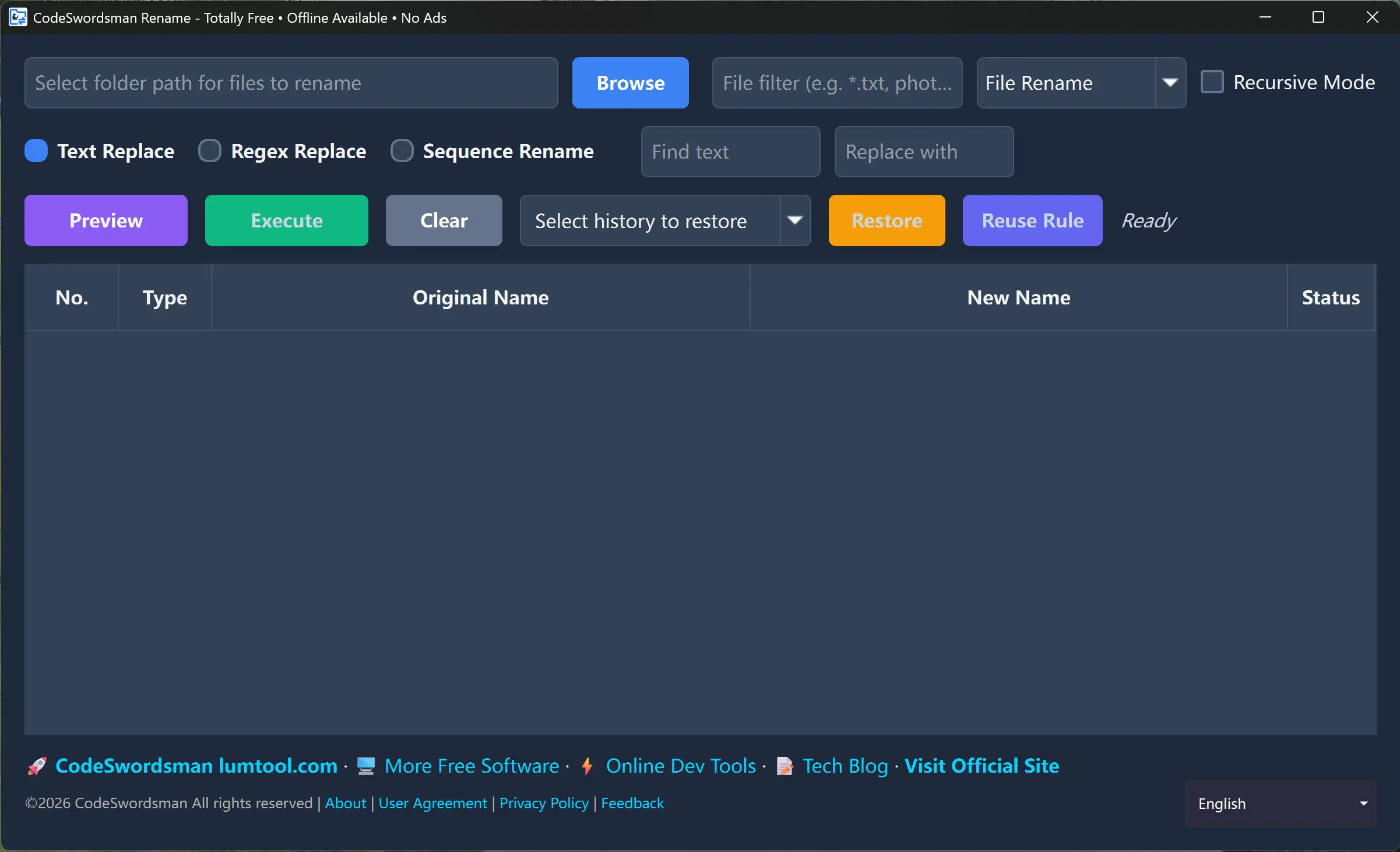

Completely Free · Offline Use · No Ads
Enjoy all features, no payment required, no network connection needed, no ads interference
Completely Free
All features are free to use with no limitations
Offline Use
No network connection required, use anytime, anywhere
No Ads
Pure experience, no ads interference
Features
Batch File Renaming
One-click batch processing of thousands of files, significantly improving file organization efficiency
Wildcard Matching
Supports * for any characters and ? for single character to filter target files, accurately locating resources needing renaming
Batch Character Replacement
Batch replace specified text in file names, quickly standardizing the naming conventions for entire file sets
Sequence Numbering
Custom prefix + numeric sequence, automatically organizing ordered file names for easy material classification
Real-time Preview
Preview final results before renaming to prevent accidental file name damage
Batch Folder Processing
Supports selecting entire folders, with option to synchronously rename folder names
Renaming Modes
Wildcard Matching Mode
Use * and ? wildcards to accurately locate target files
Example: *.jpg matches all JPG image files
Example: IMG_???.png matches PNG files with 3 characters after IMG_
Character Replacement Mode
Batch replace specified text in file names
Example: Replace 'IMG_' with 'Photo_'
Example: Replace spaces with underscores
Sequence Numbering Mode
Custom prefix and numeric sequence automatically organize file names
Example: Prefix 'Document_', start sequence 1, sequence digits 3 → Document_001, Document_002...
Example: Prefix 'Photo_', start sequence 10, sequence digits 2 → Photo_10, Photo_11...
More Free Software

CodeSwordsman Image Converter
CodeSwordsman Image Converter is a Microsoft Store official, completely free, offline usable, ad-free one-click multi-platform standard icon generation tool, supporting iOS, Android, Windows, macOS and other platform icon standard size generation, while supporting multiple image format conversion, batch processing and intelligent configuration, improving development efficiency.

CodeSwordsman Web Checker
An all-in-one network and host monitoring tool for dev, QA, ops and tech-ops teams. Check IPs, ports, and URLs, and monitor CPU, memory, disk, network, and services 24/7, with one-click import and export of monitor configurations for easy backup and team reuse. 100% free with no ads, plus SSL certificate validation, multi-channel alerts, and desensitized result sharing. Only scan IPs and domains you are authorized to test; unauthorized scanning is prohibited and the user bears all liability.

CodeSwordsman CodeNote
A professional code snippet management desktop application supporting 16 language syntax highlights, trash bin safety net, snippet pinning, multi-format export, and multi-device sync. VS Code-style dark UI, 100% free with no ads.